
Discover why Google Maps sometimes hides local business listings, even without changes, and learn strategies to maintain visibility, prevent drops, and recover quickly.
It happens more often than business owners realize: You check Google Maps one morning, searching for your own company, and your business is… gone. Poof.
Your listing was there yesterday. Nothing changed. You didn’t violate any major policies. You didn’t move locations. And yet, customers trying to find you in the local "map pack" or via direct search come up empty-handed.
Panic usually sets in immediately, followed by confusion. So, what is going on?
The short answer is this: Google Maps visibility is not permanent. It is constantly being recalculated in real time. Sometimes, Google temporarily "hides" or deprioritizes businesses for reasons that have nothing to do with a manual penalty against you.
Let’s break down why listings disappear and how you can get back on the map.
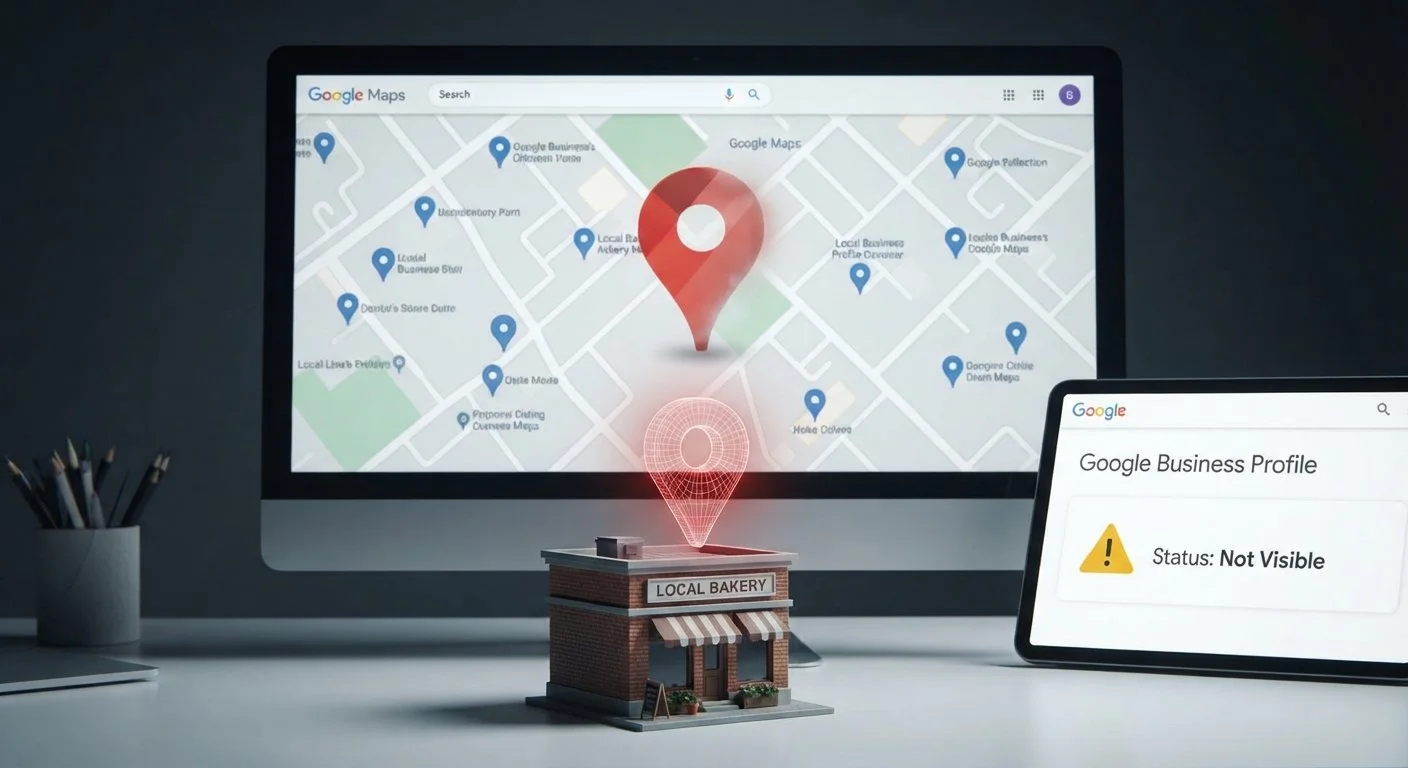
1. Google’s Algorithm Is Always Re-Evaluating Listings
Google’s local search ecosystem is not static; it is a living, breathing entity that continuously runs calculations to serve the user the best possible result at that exact moment.
Even if you haven’t touched your listing, Google may decide your competitor is more "relevant" today based on several dynamic factors:
Reassessment of search intent: How users are searching in your area may have shifted.
Proximity: Google is constantly fine-tuning how it measures distance for local searchers.
Competitor signals: If competitors near you have recently gained traction, they may bump you down or out of the immediate view.
Disappearance doesn’t always mean deletion; sometimes, your listing is just temporarily deprioritized because other businesses are currently signaling stronger relevance.
2. Data & Verification Signals Affect Visibility
Google relies on trust signals to rank and display businesses confidently. Missing, inconsistent, or stale data can cause a listing to lose trust and drop off Maps visibility:
NAP Inconsistency: Incorrect or mismatched Name, Address, or Phone number across your website, social profiles, and directories (Citations).
Stale Information: Old or missing categories for services you offer.
Unverified Data: Expired phone numbers or website URLs that lead to 404 errors.
Profile Dormancy: An unresponsive Google Business Profile that hasn't had new photos, updates, or Q&A interactions in months.
Even if the core listing info is correct, weak signals compared to your active competitors can reduce your visibility until you refresh your data.
3. Reviews & Engagement Influence Placement
Engagement matters much more to local SEO than most business owners realize. Google favors active businesses that customers actually interact with.
Listings with recent reviews tend to surface more frequently.
Listings that respond to reviews signal strong activity and customer service credibility.
Low engagement can cause Google to assume the business is inactive or closed.
A business that stops posting photos, responding to questions, or encouraging new reviews may appear less relevant to Google's algorithms—even if nothing else about the physical business has changed.
4. Policy Flags & Automated Suspensions
Sometimes listings disappear due to automated system flags rather than manual human review. Google's AI is aggressive about filtering out spam and potential policy violations. Common triggers include:
Duplicate listings: Google may hide one version if it detects two profiles for the same entity.
Suspicious edits: Sudden, drastic, or bulk changes to business name, category, or address can trigger a flag.
Service Area Business (SAB) errors: Hiding your address but setting a service radius that overlaps incorrectly with competitors.
Location inconsistencies: Listing a P.O. Box or UPS store as a physical address.
Google may hide a listing temporarily while its automated systems review these flags. Usually, this is automatic, not manual, and can last anywhere from a few days to several weeks.
5. Competitor Activity Can Push You Down
Visibility is relative. Even if your business hasn't changed internally, your external landscape might have shifted dramatically.
If your competitors became more "active" signal-wise, your listing can appear lower in the rankings, or, in highly saturated markets, disappear entirely from the initial map view simply because others are outranking you for the same geographic area.
6. Technical Factors Can Cause Drops
Sometimes the issue isn't with the Google Business Profile itself, but how it connects to your broader digital presence. Hidden technical factors can affect Maps visibility:
Website redirects or broken pages linked in the GBP.
Incorrect or outdated structured data (schema markup) on your local landing page.
Slow website page speed or mobile usability issues affecting user experience.
Inconsistent local citations online confusing Google’s crawlers.
Even small technical glitches can ripple through Google’s systems, causing a temporary loss of trust in your location data.
7. What You Can Do to Stay Visible
Google Maps visibility requires consistent care and feeding. It is not a "set-it-and-forget-it" item. Here is what actually works to maintain visibility and prevent drops:
Audit NAP Consistency: Ensure your Name, Address, and Phone are identical on your website, footer, Contact page, GBP, and major directories (Yelp, Yellow Pages, etc.).
Treat GBP as Social Media: Update photos regularly (interior, exterior, team, projects). Post weekly updates or offers.
Obsess Over Engagement: Respond to all reviews (positive and negative) within 24 hours. Answer customer questions in the "Q&A" section promptly.
Keep Content Fresh: Periodically update service pages on your website with new details.
Check Technical Health: Ensure your website uses correct Local Business Schema markup and loads quickly on mobile devices.
Monitor Competitors: Keep an eye on what nearby competitors are doing in terms of reviews and posts, and ensure you are matching or exceeding their activity levels.
Consistency beats one-time fixes.
8. Recovery Steps If Your Listing Disappears
If you wake up and your business has vanished, don't panic, but do take action immediately:
Log In: Sign into your Google Business Profile dashboard and verify its status. Look for any notifications regarding suspension or "duplicate location."
Audit NAP & Categories: Confirm your address, phone number, and primary category are 100% accurate and match what is on your website.
Signal Activity: Immediately add fresh photos (taken with a mobile device to capture geotags) and publish a Google Update post.
Check for Policy Violations: Review Google’s guidelines to ensure you haven't accidentally violated rules regarding business name (stuffing keywords) or address usage.
Request Reinstatement: If the profile is suspended, you must submit a formal reinstatement request with proof of your business existence (utility bill, business license, photos of signage). Do not submit multiple requests; wait for a response.
Most disappearances are temporary signal-based adjustments, but suspensions require patience and proof to resolve.
The Bottom Line
Your listing disappearing from Google Maps does not automatically mean you did anything wrong or that your business is doomed.
Google constantly evaluates every local business in real time, and visibility depends on a complex ecosystem of Relevance, Engagement, Accuracy, Freshness, and Competitor activity.
Think of your Google Business Profile as a living ecosystem—the more actively and consistently you maintain it, the more likely you are to stay visible. Because in the world of local SEO, standing still is the fastest way to disappear.